
I have tried many tools that promise fast video creation. Most of them fall short.
That changed when I tested Vidnoz AI for a training project at work.
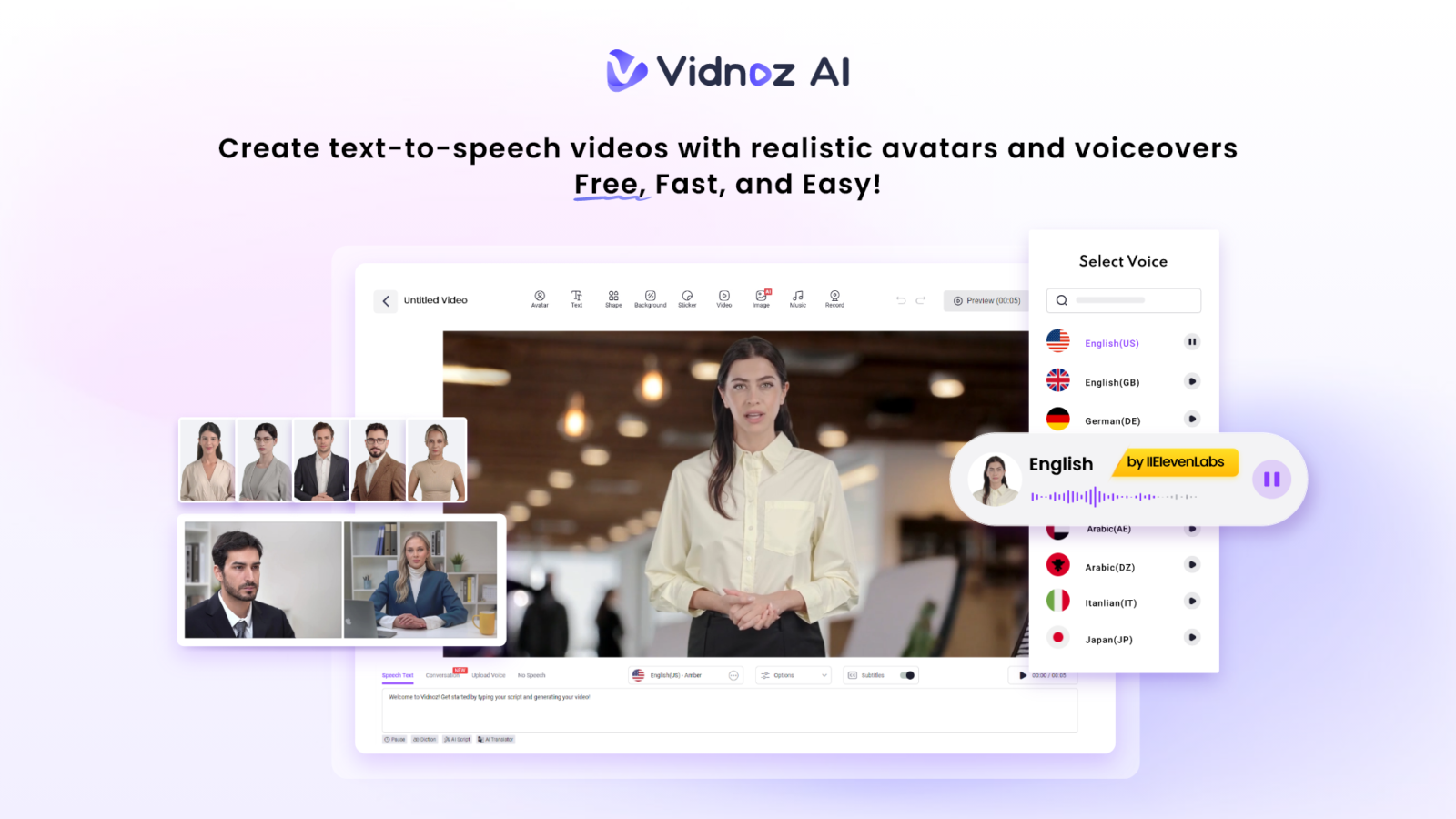
Vidnoz AI is a free AI-powered video creation platform that turns plain text into full videos. I did not need a camera, a microphone, or any editing skills.
This platform is certified with ISO/IEC 27001:2022 for Information Security Management. That certification gave me confidence that my scripts and data stayed safe while I worked.
In this Vidnoz AI review, I will walk you through the features that impressed me most. I will also show you the exact steps I followed to build my first educational video.
My First Impression of Vidnoz AI
When I opened Vidnoz AI for the first time, the dashboard felt simple. I did not need a tutorial to find my way around.
Its layout puts avatars, voices, and templates right in front of you. I picked a template within two minutes. That speed is what makes this tool worth talking about.
1900+ Lifelike Avatars That Fit Any Topic
My avatar library is the first thing that caught my eye. Vidnoz AI offers over 1900 lifelike avatars from different industries and roles.
- I found avatars dressed as teachers, doctors, and business presenters
- Each avatar moves its lips and shows natural expressions
- The variety covers many ages, genders, and backgrounds
I liked that there is always an existing or customizable avatar to match my context.
I could choose my own digital twin for a personal touch. I could also pick an expressive avatar for a livelier tone.
2000+ Lip Sync AI Voices in 140+ Languages
Voice quality often makes or breaks an educational video. Vidnoz AI provides more than 2000 natural sounding AI voices.
These voices cover over 140 languages. Vidnoz powers this feature using ElevenLabs, Microsoft, and Google voice engines.
I tested a few voices in English and one in Spanish. The lip sync was fairly accurate and the tone was not robotic.
This made my training video feel like it was a real instructor talking. If it sounds human, students or viewers will be more likely to remain engaged.
2800+ Pre-Designed Video Templates
I am not at all a designer. I saved a lot of time by using templates.
Vidnoz AI gives users access to over 2800 pre designed video templates.
- Templates exist for lessons, tutorials, and onboarding videos
- Each template already includes layout, text boxes, and transitions
- I only had to swap in my own script and visuals
This library cut my planning time by more than half. I simply searched for an education template and started editing right away.
Free Daily Use That Works
Many tools advertise free plans that barely let you finish one project. Vidnoz AI is different.
Every user gets 30 credits of free video generation per day. I used this daily allowance to test short lesson clips before committing to a longer project. It let me check voice tone and avatar choice without any cost.
This free access made the platform approachable for beginners like me.
How I Used Vidnoz AI to Create My Video
The exact process I followed from start to finish.
Step 1: Choose a Template and Avatar
I searched the template library for an education-style layout. Then I picked an avatar that matched my topic. A quick preview helped me confirm the look before moving forward.
Step 2: Create AI Voiceover
Next, I typed my script into the text box. I selected a voice from the 2000+ options. I previewed the audio and adjusted pacing until it sounded natural.
Step 3: Add a Custom Touch
I added my own logo and chosen colors. I also dropped in a few images to support key points. This step made the video feel like my own brand rather than a generic template.
Step 4: Generate the AI Video and Share
Once I was happy with the preview, I clicked generate. Vidnoz AI rendered the video in a few minutes. I downloaded it and shared the link with my team right away.
Why This Matters for Educational Content
Educational videos need clarity more than flashy effects. Vidnoz AI focuses on clear voice, steady avatars, and organized templates.
This combination helped my lesson stay easy to follow. Viewers could focus on the content instead of distracting visuals.
Final Thoughts
I walked into this test expecting another average tool. Instead, I found a platform that turned my plain script into a polished video within minutes.
My avatar choices, voice library, and template range worked together smoothly.
If you need to turn text into educational videos fast, Vidnoz AI Video Generator is worth trying. I plan to use it again for my next training module.