
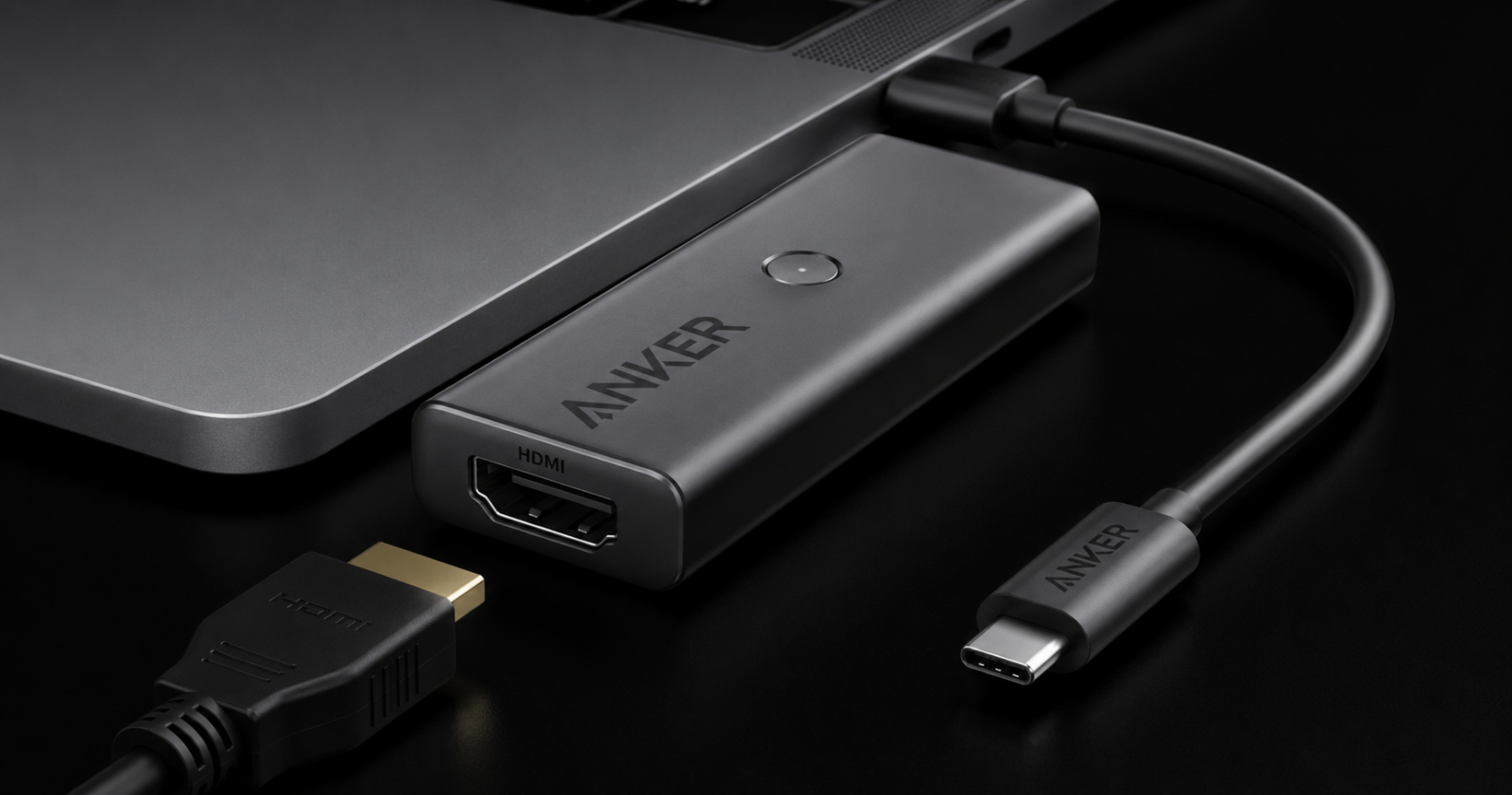
What is a Usb C to HDMI Adapter?
A USB-C to HDMI Adapter will allow this compact system to translate the video signal coming from a USB port to an HDMI port. This way, media can be played back on HDMI screens from devices with USB-C connections. The majority of adapters are plug-and-play devices, allowing no additional software to be installed. They are commonly used with laptops, tablets, smartphones, and even some gaming devices that accept video output via a USB-C connection.
Key Features
A top-notch USB-C to HDMI Adapter has a few advantages that enhance the overall viewing experience. Numerous adapters can handle Full HD and 4K Ultra HD resolution, which will ensure high-quality, colorful images on bigger screens. Digital audio transmission (aud + vid) is another useful feature that makes two signals (aud & vid) travel in a single HDMI cable.
Premium adapters also offer signal stability, aluminum body durability, and packability, which will make them convenient to transport around on the journey. A large number of USB-C to HDMI adapters also support lower display resolutions, allowing them to be used with today’s and older displays.
Performance Benefits
With a USB-C to HDMI adapter, you can enjoy great performance at work and more pleasure in personal use. Users can link a laptop directly to a projector or conference room display system without complex configurations when presenting in the business. Using USB-C to HDMI adapters, you can enjoy the high-definition screen of large televisions, stream films, play sports, or simply enjoy the entertainment.
Compatible devices also enable gamers to enjoy low-latency video transmission. Extensions and mirroring are useful for students, remote workers, and creative users to have their displays extended or mirrored. Dual-screen options mean you can have several apps open at the same time and allow multitasking to be easier.
Understanding USB-C to HDMI Compatibility
One of the key factors to consider before getting a USB-C to HDMI Adapter is its compatibility. While most devices offer a USB-C port, it’s not the type that will have video output capabilities. Your laptop, smartphone, or tablet is required to have DisplayPort Alternate Mode (DP Alt Mode) or Thunderbolt support.
If the mentioned features are missing, the video signals may not be passed through the adapter. It is also important for the display to be compatible. Make sure your monitor or TV is compatible with the desired HDMI version and resolution. Completely verify HDMI cables to ensure a quality signal and stable performance.
Some tips on Picking the Best Adapter:
When purchasing a USB-C to HDMI Adapter, the first thing to consider is the maximum resolution and maximum refresh rate. When using a 4K monitor, choose a 4K Adapter at the monitor’s required refresh rate. Materials used in construction are another key consideration.
This is because aluminium housing is less likely to fail and better at controlling the flow of heat compared to plastic designs. Other factors to look at are the length of the cable, how portable it is, the warranty that covers the cable, and customer reviews. Selecting a premium USB-C to HDMI adaptor guarantees that you can include it in your daily work, entertainment, and travelling without hassle.
Common Applications
There are a lot of instances where a USB-C to HDMI Adapter is useful. It is very popular among people with a professional life with a heavy concentration of work presentations and dual monitors. Students share their laptops with teachers or classmates for teaching or learning purposes.
Home users appreciate being able to access their movies, videos, and photos on bigger screens. Travelers also love its lightweight nature, which allows one to travel with just one adapter to power up at their next meeting, television in the hotel, or office sound system setup.
FAQs
What does a USB-C to HDMI Adapter do?
A USB-C to HDMI Adapter is a plug-and-play device used to adapt from USB-C to HDMI for connecting to an HDMI monitor or TV. Passes video and sound on to one link. The majority of adapters do not require drivers. Make sure that you have a video outlet on your portable.
Are all USB-C connectors able to allow H. D. M. I. output?
No, not all USB-C ports are video ports. Your device needs to be DisplayPort Alternate Mode or Thunderbolt. Be sure to verify the device specifications before purchasing an adapter. This guarantees appropriate compatibility and dependable capabilities.
Will 4K be supported with a USB-C to HDMI adaptor?
Indeed, there are lots of modern adapters that ought to deliver 4K Ultra HD output. The result will vary according to the adapter, device, and display. For optimal performance, ensure you have a good HDMI cable. Please always check the resolution limit supported.
Should you connect a USB-C to an HDMI connection for playing games?
Indeed, I have multiple players that use USB-C to HDMI adapters with no issues. Smooth video transmission with low latency is achieved by the compatible adapters. Performance is dependent on the hardware connected. Use a high-resolution display adapter.
How to select the best USB-C to HDMI Adapter?
Choose the adapter that is compatible with your device. Take into account the supported resolution, refresh rate, and build quality. Search for reputable brands with favorable reviews. A good adapter will offer consistent and reliable performance.
Conclusion
In today’s advanced technological landscape, a USB-C to HDMI Adapter has become an indispensable accessory for rendering innovative USB-C gadgets to HDMI displays. Regulated USB-C to HDMI provides high-quality video, digital sound, and easy plug-and-play performance. Investigating the compatibility, supported resolution, and build quality ensures that users can have smooth performance in their work, entertainment, education, and daily productivity.