
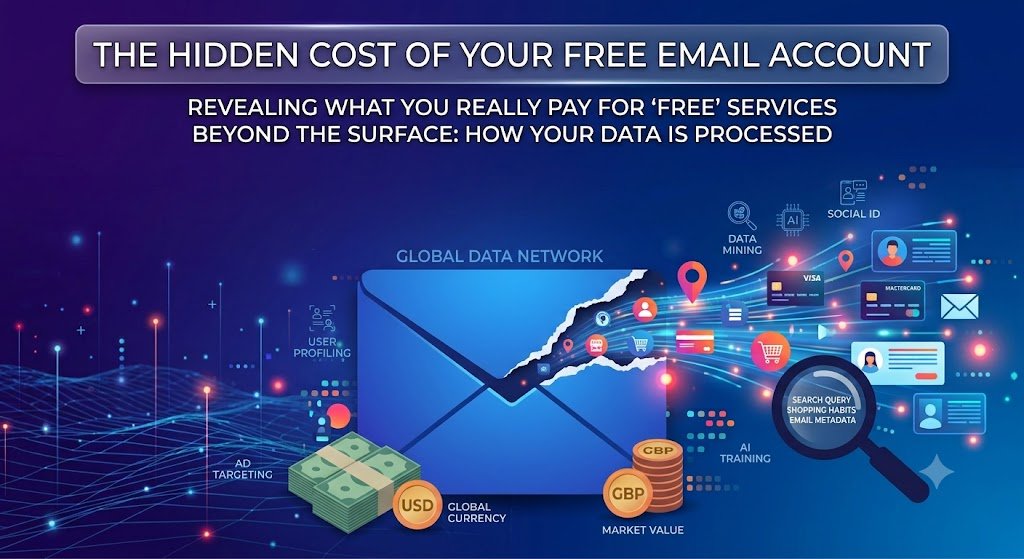
Think about what happens if someone gets into your email. Not your bank, not your social media, your email. Every password reset for every other account you own arrives there. Your inbox is the master key to your digital life, and most of us are keeping it in a service we chose fifteen years ago because a friend recommended it, and have not thought about since.
Free is a business model, not a gift
Running mail infrastructure for hundreds of millions of people costs an enormous amount of money. Nobody does it as a favour. When a service costs nothing, the revenue comes from somewhere else, and historically that somewhere has been the value of understanding its users well enough to sell access to their attention.
That is not a scandal, it is an arrangement, and plenty of people are content with it. It is worth being clear eyed about what you have agreed to rather than assuming a service is free because email is cheap to run.
The part people miss: metadata
Discussion of email privacy usually focuses on whether anyone reads your messages. The more interesting information is often the envelope rather than the letter. Who you write to, how often, at what hours, how quickly you reply, which newsletters you never open, which company’s address suddenly appears in your inbox three times in a week.
That pattern describes your employment, your health, your finances, and your relationships without a single sentence of your writing being examined. The Surveillance Self-Defense guides from the Electronic Frontier Foundation are good on why metadata is frequently more revealing than content, and it is the part of the picture that encryption of message bodies alone does not address.
In transit is not the same as at rest
Almost all providers now encrypt mail while it travels between servers. Fewer encrypt it in a way that means the provider itself cannot read what is stored. That difference is the whole question. If a provider holds the keys to your archive, then your archive is available to the provider, to anyone who compromises the provider and to anyone who can compel the provider to hand it over.
With genuine end to end or zero-access encryption, the provider stores something it cannot open. That is a meaningfully different arrangement, and it is the thing to look for when comparing mail services rather than counting features on a marketing page.
Your inbox is an archive nobody curates
Most people have a decade or more of mail sitting in one account. Old payslips. A mortgage application. Medical appointment confirmations. Photographs of your children sent to a relative. Scans of a passport you emailed to yourself while booking a holiday in 2017.
You would not leave that pile in a box on the pavement, but you also would not choose to accumulate it if anyone asked you directly. The archive built itself, quietly, because deleting mail takes effort and storage was free.
The knock-on effect
The reason email deserves more attention than any other account is that it does not fail alone. Someone with access to your inbox does not need your banking password, because they can request a new one and intercept the link. They can read the reset mail, delete it so you never see the notification, and work through your accounts in order of value. They can also see exactly which services you hold, because the welcome messages are all still sitting there.
That cascade is why security advice keeps returning to the same starting point. Fix the inbox and you have raised the floor under everything attached to it. Leave it weak and every other precaution you take is standing on it.
Things worth doing, whoever you use
- Turn on two-factor authentication. The advice from the UK’s Cyber Aware campaign puts protecting your email account first among its recommendations, and this is the single strongest step.
- Review which third-party apps have access to your mailbox. Most people find something they granted years ago and forgot.
- Use a separate address for shopping, competitions and newsletters, so your main address is not circulating on marketing lists.
- Delete what you do not need, particularly anything containing identity documents or financial details.
- Know your rights. In the UK, the Information Commissioner’s Office explains what you can ask an organisation to tell you about the data it holds on you and how to complain if it will not.
Switching is less painful than it sounds
The fear is losing everything, and that is not how it works in practice. Set up the new account, import your existing mail, then forward from the old address for six months while you update the accounts that matter. Start with banking, then your phone and utilities, then everything else as it comes up naturally. Keep the old address alive rather than deleting it, because something will always arrive there.
You do not have to do any of this. But it is worth making the choice deliberately once, rather than continuing with a decision you made before you had anything much to protect.