
Ask any working creator what quietly eats their afternoons, and format headaches will land near the top of the list. A clip shot on a phone will not upload cleanly to a client portal, a static photo set needs to become motion for a reel, and a landscape edit has to fit a vertical feed by tomorrow. These are not glamorous problems, but they stall real work every single day. As publishing spreads across more platforms with more rigid requirements, the ability to move media smoothly between shapes and formats has shifted from a nice-to-have into core infrastructure. The tools handling this job have grown far smarter, too, doing more than swapping file extensions by intelligently reframing, animating, and optimizing content for wherever it needs to live. This piece makes the case for treating conversion as a strategic capability rather than a chore, and shows how the right approach saves hours while quietly raising the quality of everything you publish.
The Hidden Cost of Format Friction
Every time a file will not cooperate, you pay a tax measured in lost momentum. A creator who has to stop and wrestle with dimensions or codecs loses the flow that produces good work, and those interruptions compound across a busy week. A capable video converter removes that tax by handling the tedious mechanics in the background, letting you stay focused on the ideas that actually differentiate your content. The teams that publish the most are rarely the ones with the largest staff; they are the ones who have eliminated the small frictions that slow everyone else down. Treating conversion as solved infrastructure, rather than a recurring emergency, is one of the least glamorous and most reliable productivity gains a creator can make.
Beyond Simple Format Swaps
Older conversion tools did one narrow thing: they changed a file from one type to another and left everything else alone. Modern ones understand content. They can turn a sequence of still images into a moving story, add gentle motion to a flat photo, and reframe a wide shot so the subject stays centered in a vertical crop. This intelligence is what separates a genuine creative tool from a mechanical utility. Instead of merely making a file playable somewhere, it makes the content genuinely suited to its new home. That difference matters because audiences respond to material that feels native to the platform they are on, and clumsy conversions announce themselves instantly through awkward cropping or dead space.
Turning Static Assets Into Motion
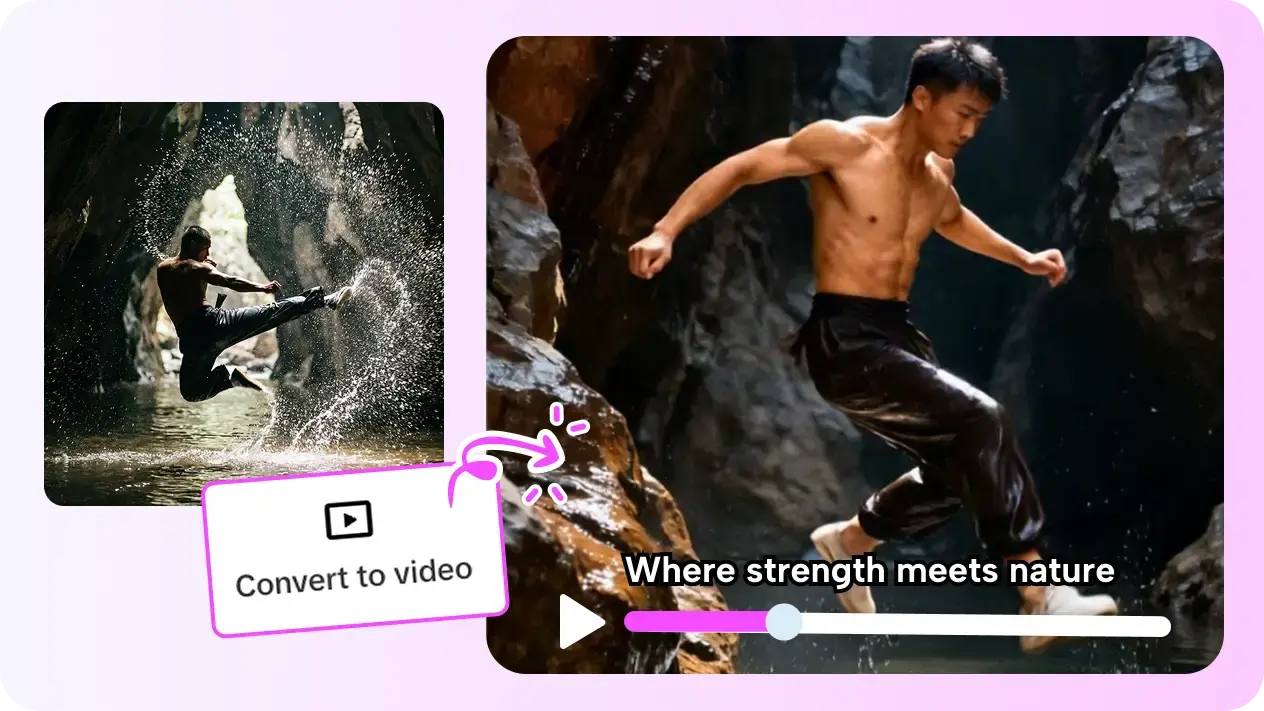
One of the most valuable modern capabilities is breathing life into things that never moved. A catalog of product photos, a set of event snapshots, or a single hero image can become a short, engaging clip with pans, transitions, and pacing that hold attention far better than a static post. This unlocks enormous value from assets you already own, letting you produce fresh video without shooting anything new. The trick is to let the motion serve the subject rather than distract from it, choosing smooth movement that guides the eye toward what matters. Done well, a converted photo sequence can be indistinguishable from footage that took hours to shoot, stretching a limited library into a steady stream of publishable material.
Protecting Quality Through the Process
Conversion has a reputation for degrading files, and careless tools earn it by crushing detail or introducing artifacts. A trustworthy workflow preserves sharpness, keeps color accurate, and outputs at the resolution each platform rewards rather than a lowest-common-denominator setting. Before adopting any tool into your routine, run a demanding sample through it and inspect the result at full size, watching for softness in fine detail and banding in gradients. Quality that survives the round trip is what lets you convert freely without second-guessing whether the output is good enough to represent your brand. This is where cheaper utilities often reveal their limits.
Fitting Conversion Into a Real Workflow
A conversion tool delivers the most value when it lives inside the rest of your process rather than off to the side. When creating, editing, and reformatting happen in one connected space, a finished piece can be adapted for every destination without exporting and re-importing across separate apps. Pippit AI brings these steps together so that reshaping a project for a new platform is a quick final move rather than a whole second project. Build your routine so that the moment a piece is approved, generating the platform-specific versions is nearly automatic, and you will publish more widely with far less effort.
Choosing a Tool You Will Not Outgrow
Because conversion sits at the center of a publishing workflow, it is worth choosing carefully rather than defaulting to whatever is free today. Look for broad format support so you are not stranded when a platform changes its requirements, intelligent reframing that respects your composition, and output quality that holds up under scrutiny. Speed matters too, since a tool that takes ages to process defeats the purpose of removing friction. The right choice quietly disappears into your routine, doing its job so reliably that you stop thinking about format at all and spend your attention on the work that actually grows an audience.
Conversion as Quiet Competitive Edge
Format work will never be the exciting part of creating, but mastering it is one of the surest ways to publish more and stress less. A smart conversion tool does far more than change file types: it turns static images into motion, reframes content to feel native everywhere, and preserves the quality your brand depends on, all while removing the small frictions that quietly drain a creator’s day. The creators who thrive across many platforms are the ones who have made this capability invisible infrastructure rather than a recurring obstacle. Take a hard look at where format headaches currently slow you down, adopt a tool that fits cleanly into your workflow, and let it handle the tedious mechanics. What you get back is time and focus, the two resources that separate consistent creators from everyone still fighting their files.